Hardware detail
Razer DeathAdder V3
DeathAdder V3 combines a 59g shell, ergonomic shape, and 8000Hz polling, making it better for stable control and deliberate stops.
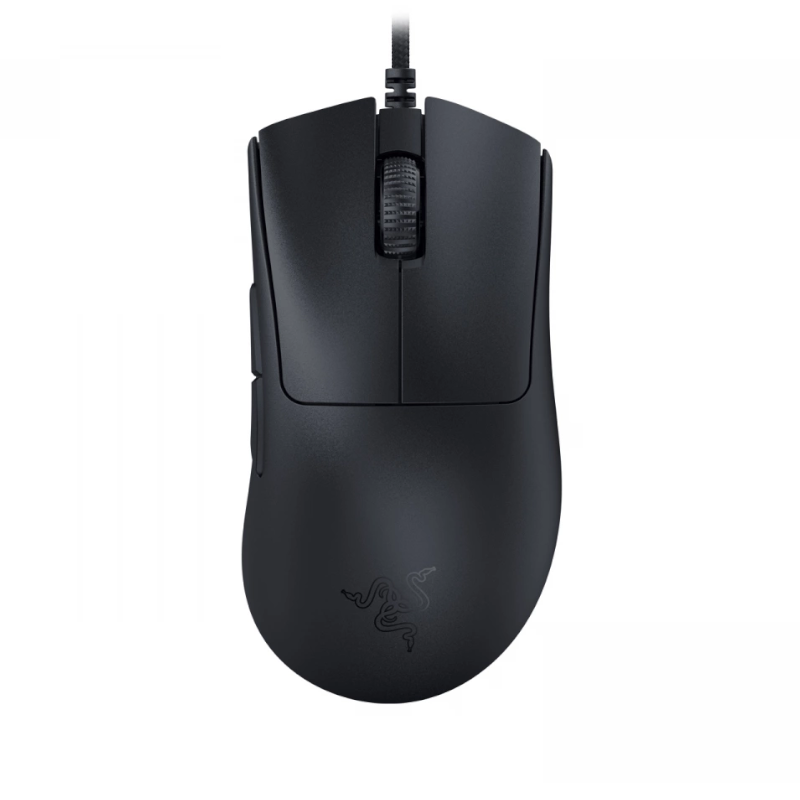
Database-derived, not a hands-on review or personalized fit score
If your grip is close to claw grip, palm grip, hybrid grip, the real question is whether this shape, weight, and wireless/polling profile matches how you move on the desk.
Best for
- Players using claw grip, palm grip, hybrid grip
- Players who want something better for stable control and deliberate stops
- Players fine with a wired setup
Not for
- Players chasing the absolute lightest shell
- Players who only like symmetrical shells
This button may use an affiliate link. It does not change the page verdict, but it helps support FPSLab.
Shape read
What stands out in hand
The numbers help, but the shell story is usually about width, hump placement, and how much support the rear gives you.
Core size
127 × 68 × 44 mm gives this mouse a large footprint for FPS play.
Grip width
62 mm usually decides whether the shell feels locked in or a little too wide for fast micro-adjustments.
Rear support
strong rear support changes how much the mouse pushes back into your palm during stop-start aiming.
Hump and waist
rear hump placement with a conservative waist often tells you more than the marketing page does.
Fit call
Pros and tradeoffs
Start with why this mouse is worth considering, then check where the fit may break down.
Pros
- 59g shell keeps resets and micro-corrections easier.
- ergonomic shape gives a clear starting point for fit comparison.
- Wired setup is simple and avoids charging management.
- 8000Hz polling is enough for competitive FPS play.
Tradeoffs
- Not the best pick if you only want the absolute lightest mouse.
- Ergonomic shape may not suit players who rely on symmetrical side balance.
- Still needs a hand-fit check if your grip is not close to claw grip, palm grip, hybrid grip.
Before buying
Check these three things before buying
The page makes the buying path obvious, but the final click should still come after checking hand fit, desk space, and return policy.
Weight fit
Lightweight affects stops, resets, and fatigue. Low-sens players should also check desk space.
Connection fit
Wired is simple, but make sure cable drag will not bother wide swipes.
Performance baseline
Polling is a baseline spec, not a replacement for shape fit. A bad shape still feels wrong at high polling.
Side-by-side
Compare it with close alternatives
If you are not fully sure yet, compare it against nearby shapes and weights before opening the buy link.
| Mouse | Weight | Dimensions | Grip style | Shape | Polling rate | Next step |
|---|---|---|---|---|---|---|
Razer DeathAdder V3 Current | 59g | 127 × 68 × 44 mm | claw grip, palm grip, hybrid grip | ergonomic | 8000Hz | Current |
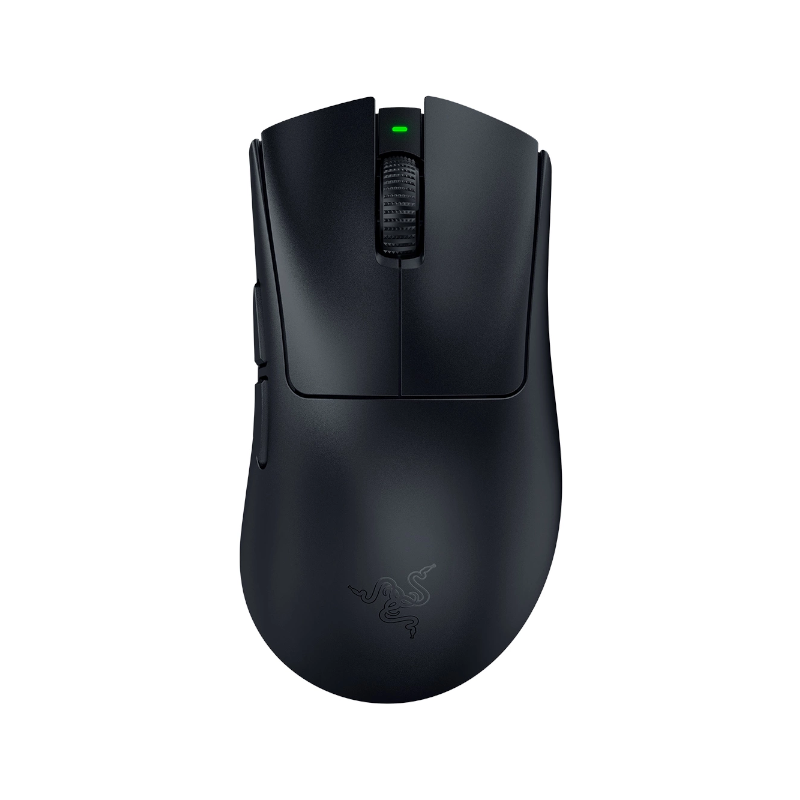 Razer DeathAdder V4 Pro 3g lighter | 56g | 127.5 × 68 × 44 mm | claw grip, fingertip grip, hybrid grip | ergonomic | 1000Hz | Compare |
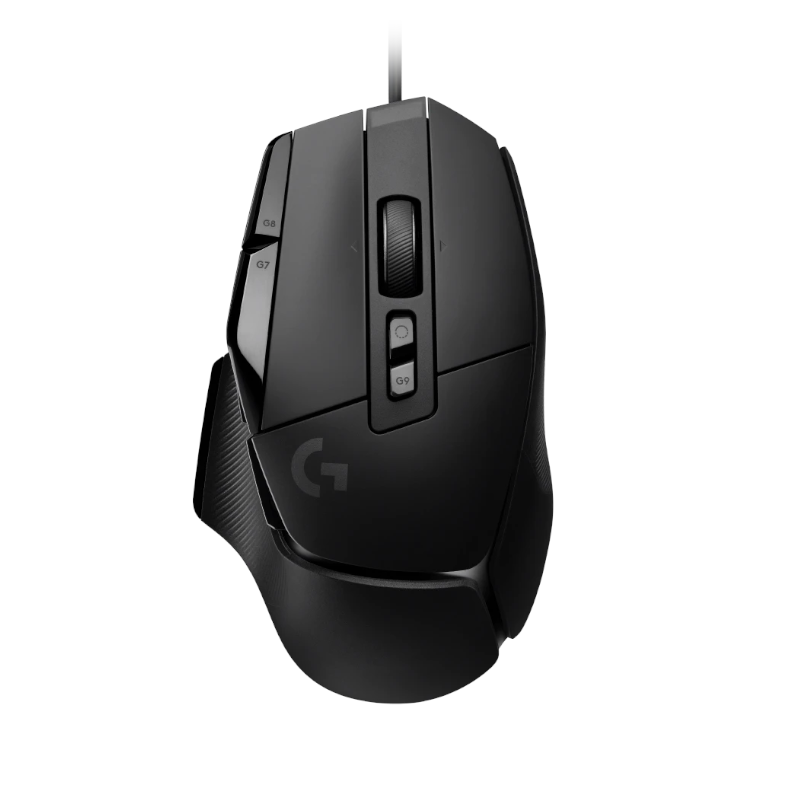 Logitech G502 X 43g heavier | 102g | 131 × 79 × 41 mm | claw grip, palm grip, hybrid grip | ergonomic | 1000Hz | Compare |
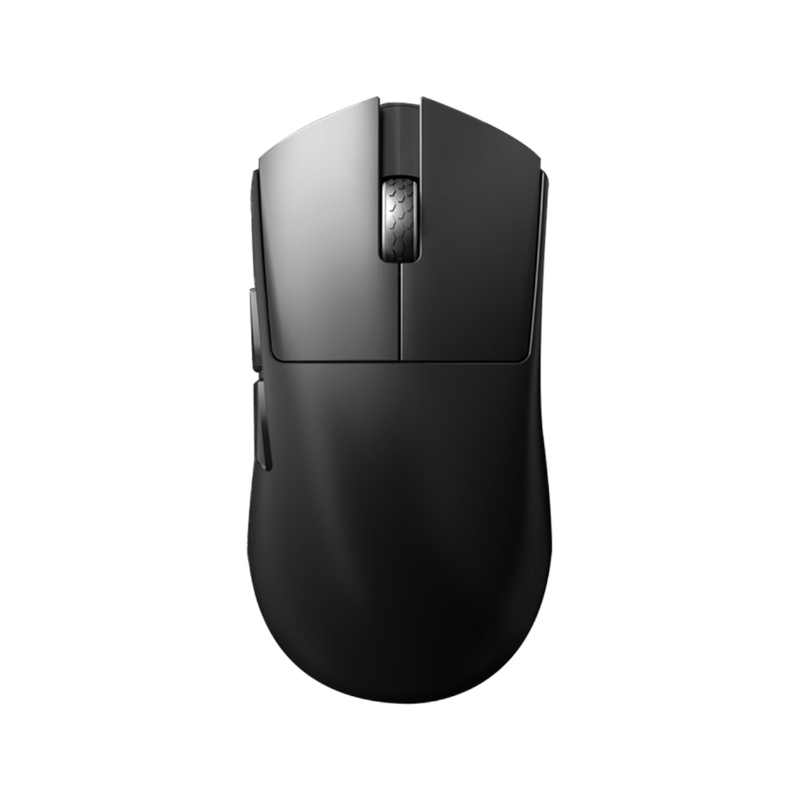 Darmoshark M9 1g heavier | 60.3g | 136.5 × 68.1 × 43.5 mm | claw grip, palm grip, hybrid grip | symmetrical | 1000Hz | Compare |
Razer DeathAdder V3
Razer DeathAdder V4 Pro
Logitech G502 X
Darmoshark M9
Player usage
Featured players using the Razer DeathAdder V3
These entries come from the pro settings database and are sorted by site display priority so the strongest player signals stay visible.
cs2
niko
- DPI
- 400
- Sens
- 1.3
SteelSeries QcK Heavy
View full setup
cs2
ropz
- DPI
- 400
- Sens
- 1.77
VAXEE PA Black
View full setup
valorant
AC
- DPI
- 400
- Sens
- 0.65
VAXEE PA Y22
View full setup
valorant
aimdll
- DPI
- 400
- Sens
- 0.471
ZOWIE G-SR
View full setup
More pros using this mouse
14 additional tracked players
More
More pros using this mouse
14 additional tracked players
cs2
Airax
- DPI
- 800
- Sens
- 1.175
Razer Gigantus V2
View full setup
valorant
Akumaaaaaaa
- DPI
- 400
- Sens
- 0.8
Razer Strider
View full setup
cs2
aNdu
- DPI
- 400
- Sens
- 2.2
Razer Gigantus V2
View full setup
valorant
aproto
- DPI
- 800
- Sens
- 0.31
SWIPE SP-FROST
View full setup
cs2
arT
- DPI
- 800
- Sens
- 1.45
SteelSeries QcK Heavy
View full setup
valorant
AslaN
- DPI
- 400
- Sens
- 0.6
Razer Gigantus V2
View full setup
cs2
autimatic
- DPI
- 800
- Sens
- 1.125
GameSense Radar Red
View full setup
valorant
AwayK
- DPI
- 1600
- Sens
- 0.045
WALLHACK SP-004 White
View full setup
cs2
AyeZ
- DPI
- 800
- Sens
- 1
Logitech G740
View full setup
valorant
beyAz
- DPI
- 1600
- Sens
- 0.122
Pulsar x LGG Saturn Pro Black
View full setup
cs2
Bibu
- DPI
- 400
- Sens
- 2.45
ZOWIE G-SR-SE Blue
View full setup
cs2
brax
- DPI
- 400
- Sens
- 1.5
Logitech G640 Black
View full setup
cs2
brutmonster
- DPI
- 400
- Sens
- 2.5
SteelSeries QcK Heavy
View full setup
valorant
ceNder
- DPI
- 400
- Sens
- 0.35
ZOWIE G-SR-SE Rouge
View full setup
Where to buy
Check current purchase channels
Different regions and platforms can have different stock, pricing, and affiliate programs, so purchase links are managed separately from the mouse specs.
Some outgoing links may be affiliate or sponsored links. They help support FPSLab without changing the specs or recommendations.
Sens fit
What kind of sens range this mouse usually pairs with
There is no hard rule here, but players usually care about whether a mouse feels more natural in low-sens, balanced, or faster setups.
Low sens
Razer DeathAdder V3 makes the most sense if you like wider desk movement, more stopping power, and a shell that stays planted during resets.
Balanced
Razer DeathAdder V3 sits comfortably in the middle if you mix flicking with tracking and do not want your shell to fight you.
Higher sens
Razer DeathAdder V3 can still work for faster setups if the shape feels clean in hand and you value quick corrections over big sweeps.
Keep comparing
Keep the comparison going
A mouse page is more useful when it leads you into comparisons, guides, and sensitivity context.
FAQ
Razer DeathAdder V3 FAQ
This short FAQ answers the practical questions players usually ask before they buy or test a mouse.
Is DeathAdder V3 a good FPS mouse?
Razer DeathAdder V3 is positioned as an FPS-focused option, especially for players who care about ergonomic, 59g weight, and 8000 Hz polling.
Who is DeathAdder V3 best for?
large 59g FPS mouse with 62 mm grip width, strong rear support, rear hump position, and conservative waist curve.
What should you compare before buying this mouse?
Weight, shape, click feel, battery life, and how your grip style matches the shell are all more important than raw spec-sheet hype alone.