Mouse discovery, built around fit
Find an FPS mouse that fits your hand, grip, and play style.
Start with measurable fit signals, compare a focused shortlist, and check the tradeoffs before you buy.
- Four required questions
- Fit score stays separate from affiliate links
- Every result explains reasons and tradeoffs
From the database
Popular comparison starting points
Popular mice
Start with proven FPS shapes
Compare widely used options by weight, shape, grip support, and the reason each one is worth considering.
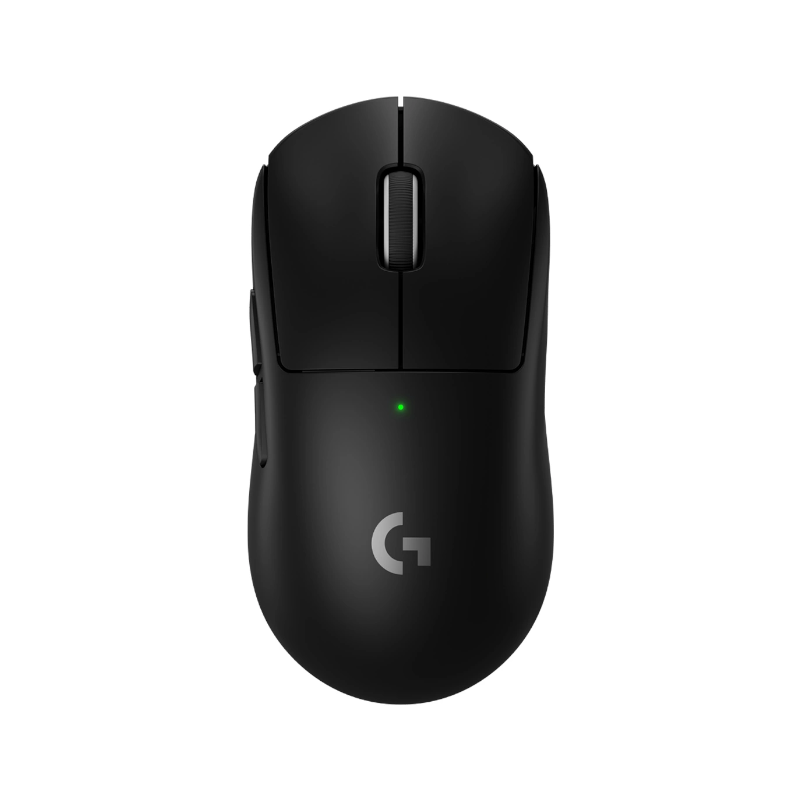
Logitech
G Pro X Superlight 2
safe claw control
A familiar symmetrical shell that works for a wide range of FPS players.
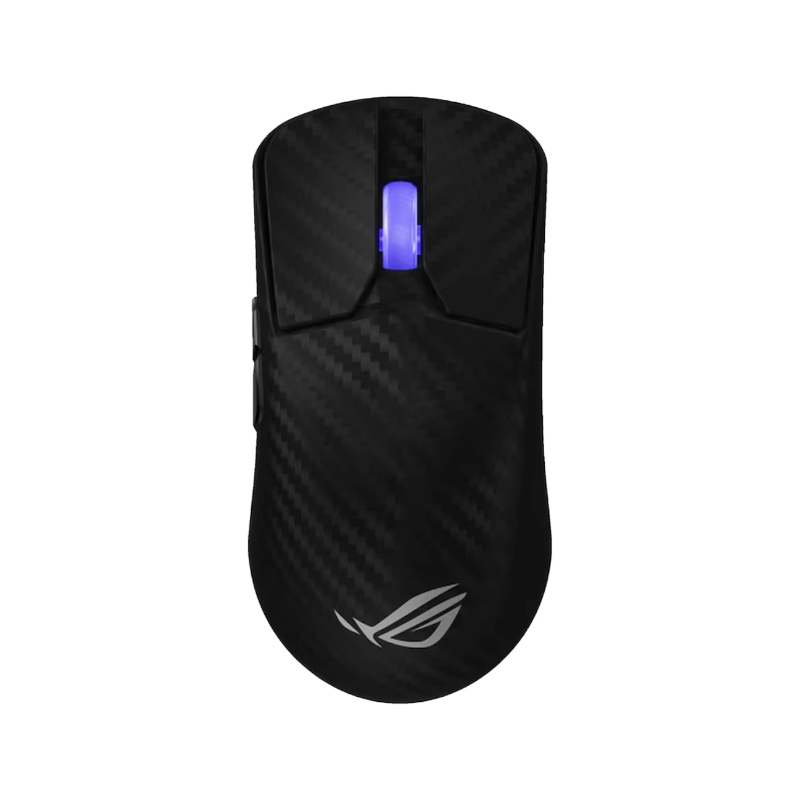
ASUS ROG
Harpe Ace Extreme
lightweight claw
A light large-shell option with rear support for a locked-in feel.
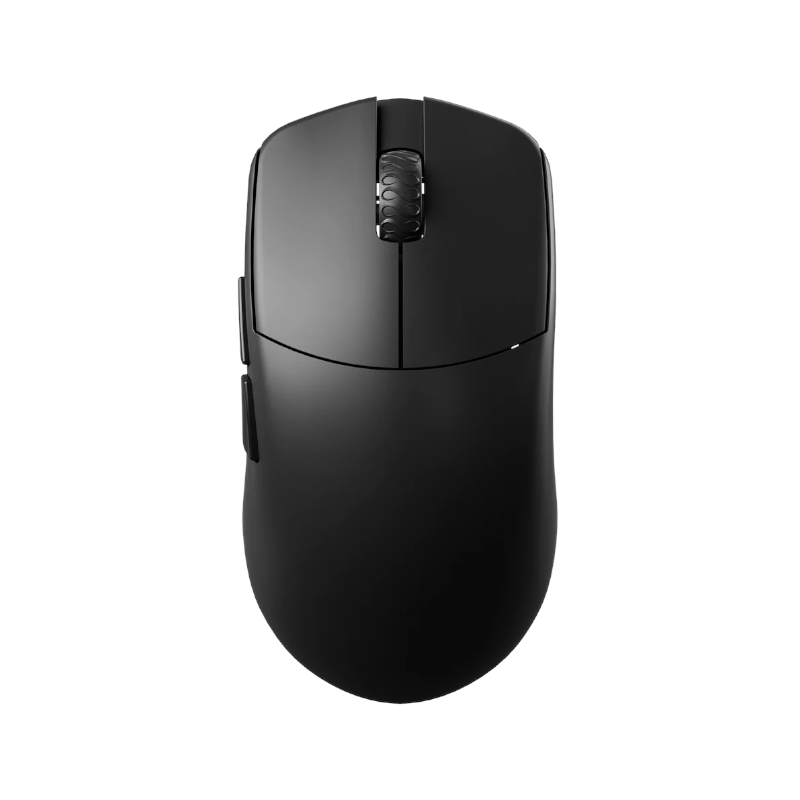
Lamzu
Maya
compact claw
A smaller symmetrical shape that keeps quick micro-adjustments easy.
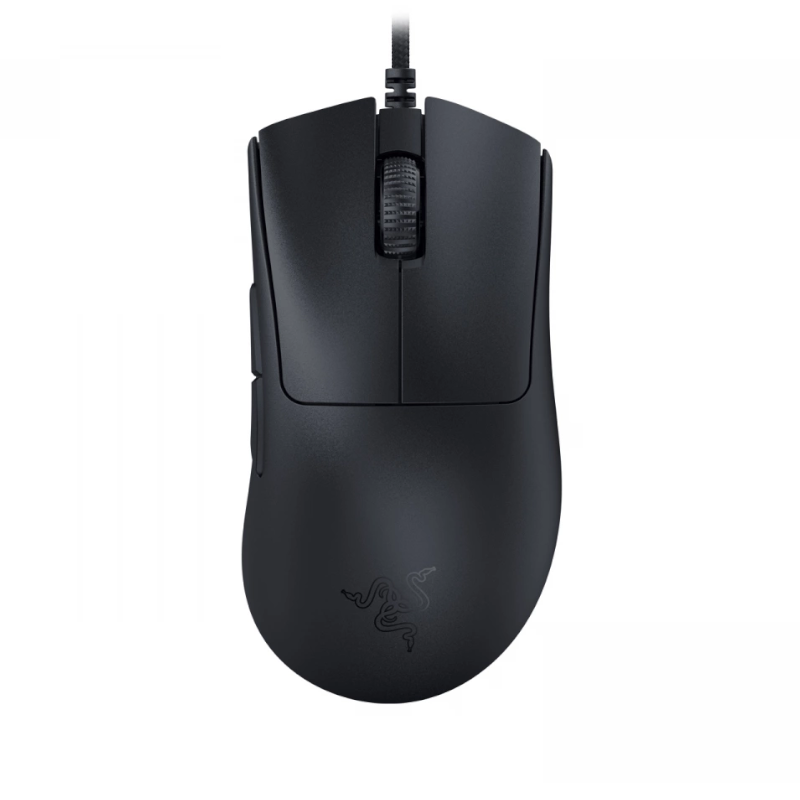
Razer
DeathAdder V3
ergonomic palm
An ergonomic option for more hand contact and relaxed control.
Mouse fit
Browse by grip style
Start with how your hand contacts the shell, then compare shapes that support that grip.
Player evidence
See what competitive players are using
Use real setups as reference points, then return to your own hand size, grip, and control preference.
apex
ChaoticMuch
- Mouse
- Logitech G502 X
- Mousepad
- Unknown
- DPI
- 2850
- Sens
- 2.75
apex
oraxe
- Mouse
- ZOWIE EC2-C
- Mousepad
- SteelSeries QcK+
- DPI
- 800
- Sens
- 1.8
apex
Patiphan
- Mouse
- Endgame Gear XM1R
- Mousepad
- Yuki Aim Oni Black
- DPI
- 1400
- Sens
- 0.75
apex
rpr
- Mouse
- Lamzu Atlantis Mini
- Mousepad
- WALLHACK SP-004 Black
- DPI
- 800
- Sens
- 1.2
Buying logic
Why shape matters more than a spec sheet
Specs narrow the list. Contact points and shell support decide whether a mouse feels repeatable.
Shape
Side curves, hump position, and rear support decide whether the shell locks into your hand or fights your grip.
Weight
Lower weight can help quick corrections, but control still depends on balance, shell size, and your mousepad.
Grip style
Claw, palm, and fingertip grips need different contact points. A great mouse can still be wrong for your hand.
Aim tool
Keep your sensitivity consistent after the hardware fits
Find or convert your sensitivity with cm/360 once you have a mouse direction worth testing.
Keep exploring
Build the rest of your setup
Move from mouse fit into pads, practical guides, and sensitivity tools.