Player setup
PKL settings
Last updated April 23, 2026. Use this page as a reference point, then adjust around your own desk space, grip, and game feel.
PKL
2GAME ESPORTS · Brazil · Counter-Strike 2 · Rifler
1152x864 · 4:3 stretched · Stretched
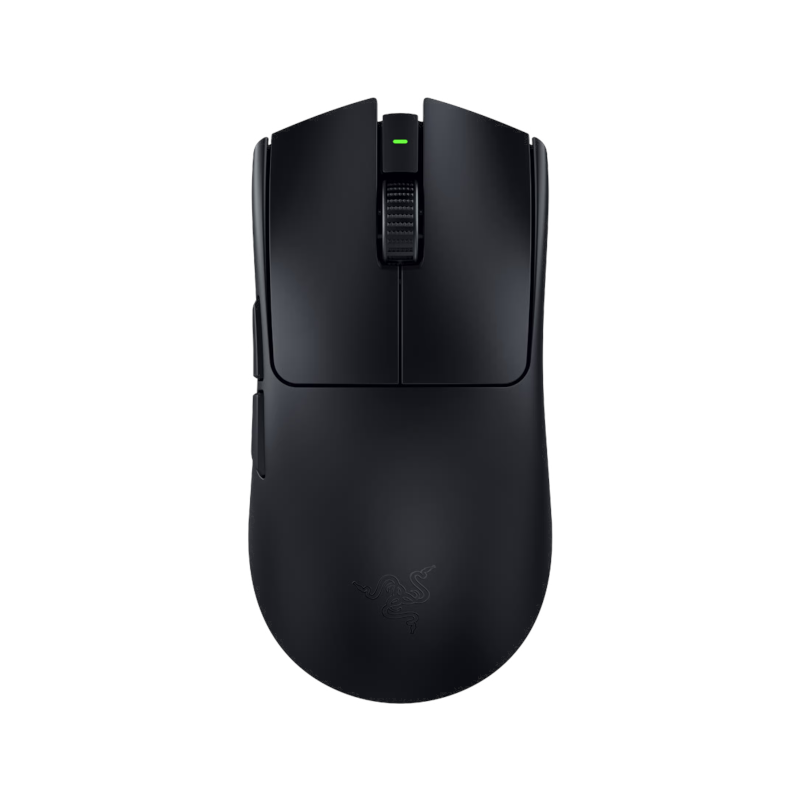
Why this mouse fits PKL's setup
- 54g and wireless, which keeps quick corrections from feeling overly heavy.
- symmetrical shape with support for common FPS grips, making it easier to map the setup to your own grip.
- PKL's low sens profile gives this mouse a clearer real-player context.
How to read this setup
Context matters more than copying
This is a lower-sensitivity control-oriented setup, which usually pairs well with large mousepads and stable micro-corrections.
If you want to test this feel in another title, use the converter first instead of copying the raw number directly. Different games use different sensitivity scales.
Full setup
PKL's gear list
Similar mice
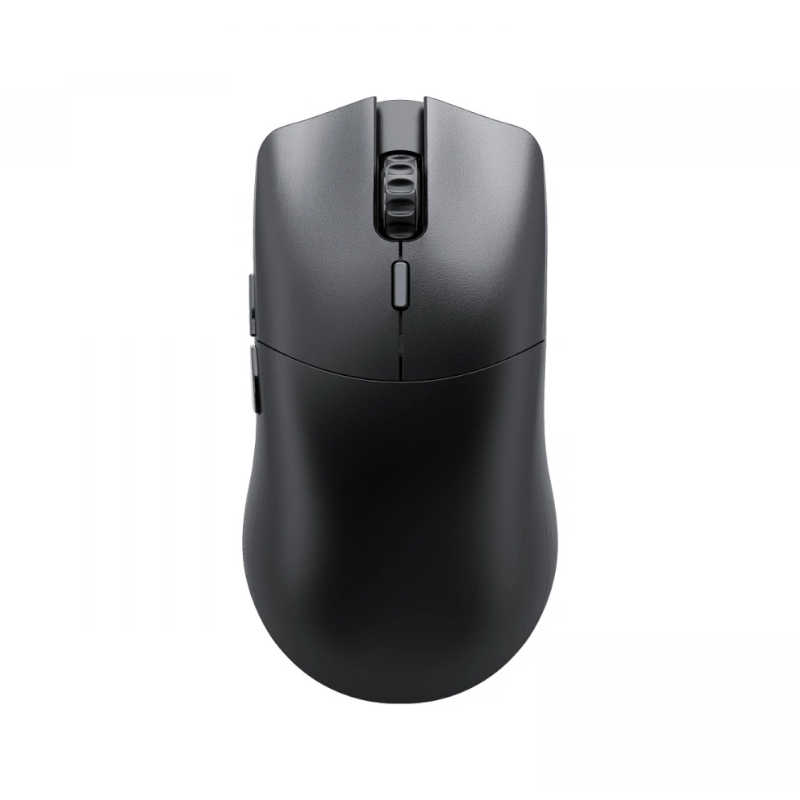
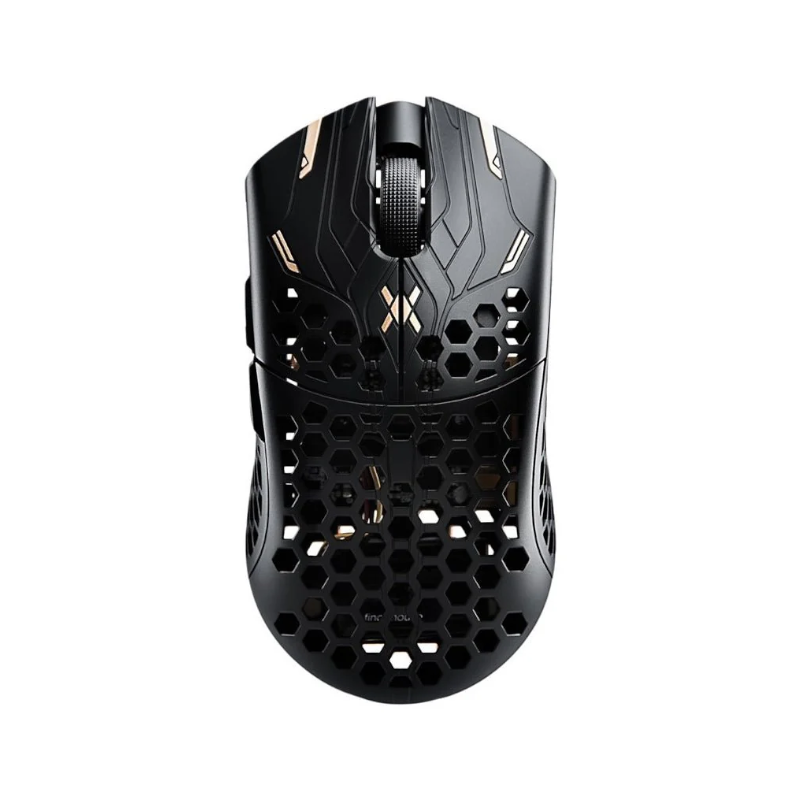
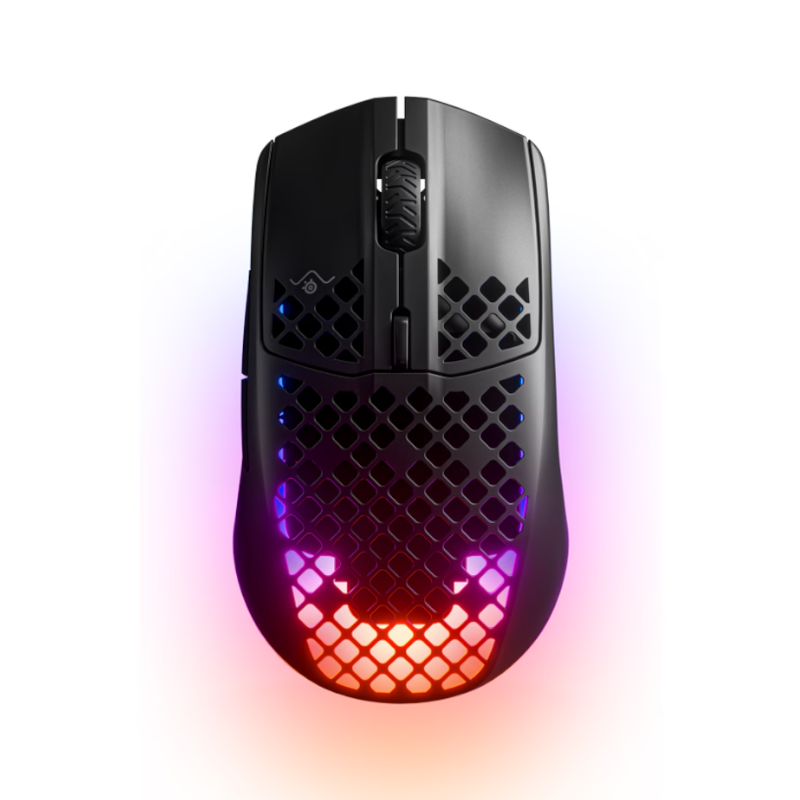
If this setup looks interesting, compare these alternatives
FAQ
PKL settings FAQ
These short answers make the page easier to scan when you only need the key settings fast.
What sensitivity does PKL use?
PKL currently uses 2.2 sensitivity at 400 DPI, which works out to 880 eDPI and about 47.23 cm/360.
What mouse does PKL use?
PKL is currently listed with the Razer Viper V3 Pro.
Should you copy PKL's settings exactly?
Use player setups as a reference point, not a rule. Your desk space, mouse shape, monitor size, and preferred aim style can all justify small changes.